
When store owners search "Whop payment Shopify" or "Whop payments Shopify", they are usually asking a money question: if my Shopify store takes payments through Whop, where does the money go, what does it cost, and what happens when something goes wrong? This guide follows the money, one step at a time.
The money flow in one picture
- Shopify cart: the buyer fills their cart on your Shopify store.
- Whop checkout: they pay on a Whop-powered checkout page.
- Your Whop company: the charge is processed by Whop and lands in your Whop balance.
- Shopify order: the paid order is created in Shopify for fulfillment.
- Payout: Whop pays the balance out to you.
The connection runs through our official Whop app. Whop is not a Shopify payment provider, so it does not appear in Shopify's payment settings.
Step 1: the charge
Buyers can pay with:
- Apple Pay and Google Pay on supported devices
- Cards, in one secure payment block
- PayPal, run through Whop, so you do not need your own PayPal business account
If the buyer accepts a one-click upsell after paying, that is a second charge on the same card, also through your Whop company, and the item is added to the same Shopify order.
Step 2: your Whop balance
Every charge, including upsells, is a normal Whop payment. You will see it in your Whop company alongside any other Whop products you sell. If you already sell memberships or digital products on Whop, your Shopify revenue lands in the same place.
Step 3: the payout
Whop's payout rules apply. According to Whop's payout docs, standard payouts take up to 5 business days and instant payouts arrive in minutes for an extra fee. Available payout methods depend on your country. Check Whop's documentation for the current options where you are.
What it costs, at a high level
There are three layers. None of them are hidden.
- Whop processing: Whop's own fee on every charge, from 2.7% + $0.30 for domestic cards, with other methods priced separately. See Whop's fee page.
- Our app: $99.95 per month with a 1% platform fee, or $149.95 per month with a 0.5% platform fee. The platform percentage is waived for early users for now.
- Shopify: your existing Shopify plan. Confirm how synced orders appear on your Shopify invoice.
A simple worked example
Say a buyer pays $60 with a domestic card. At Whop's published domestic card rate of 2.7% + $0.30, Whop's processing fee is $1.92. If you are an early user, the platform percentage is waived, so the rest of that order lands in your Whop balance before payout fees. Rates change, so always confirm on Whop's fee page.
When money moves backwards
Refunds
Refund the order in Shopify admin as usual, full or partial. The app picks up the refund and refunds the matching Whop payment. You do not need to refund in two places.
Failed subscription payments
If you sell recurring products, Whop bills them from your storefront. When a renewal fails, WhopMail can send a failed payment email triggered by the Whop event, so the buyer updates their card before access or deliveries stop.
Disputes
The best protection is boring: clear product descriptions, a visible refund policy and tracking on every shipment. When you fulfill in Shopify, the tracking number attaches to the matching Whop payment.
Reading your numbers
After launch you will look at two dashboards, and they answer different questions:
- Shopify admin tells you what was ordered: products, quantities, discounts, shipping and fulfillment status.
- Your Whop company tells you what was paid: each charge, upsell payments, refunds and payouts.
The two should line up order for order. A quick weekly check helps: compare the number of paid orders in Shopify with the number of payments in Whop for the same week, and look into any gap. If you also run ads, the app's funnel tracking shows visits, checkouts, upsell takes and revenue from landing to thank-you.
Why stores move payments to Whop
- Held or paused payouts: Shopify Payments can hold funds or pause payouts during a review. Because buyers pay through Whop, checkout does not depend on Shopify Payments. You still need to follow Shopify's and Whop's terms.
- Wallets: Apple Pay and Google Pay come back on supported devices.
- Upsells: one-click offers charge the same card.
- PayPal without an account: PayPal runs through Whop.
Before you rely on it
Whop reviews businesses under its own policies. Restricted categories can be declined, and some accounts may face identity checks or reserves. Read Whop's rules before you move your main revenue.
Turn on Whop payment for your Shopify store
Install our official Whop app
Find our app on the Whop App Store, listed as Upsell OTO & Order Bumps, and add it to the Whop company that should receive the money.
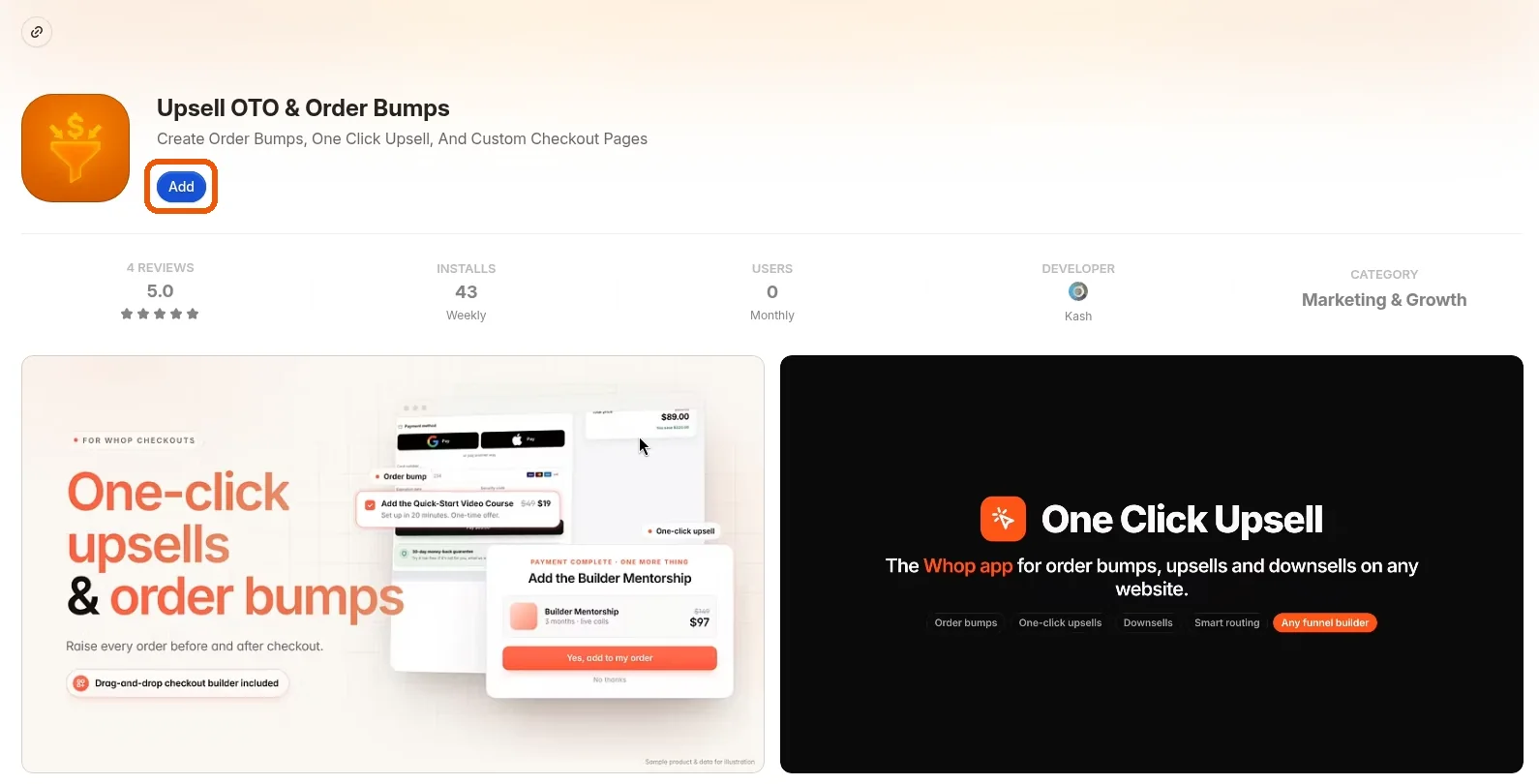 Install our official Whop app
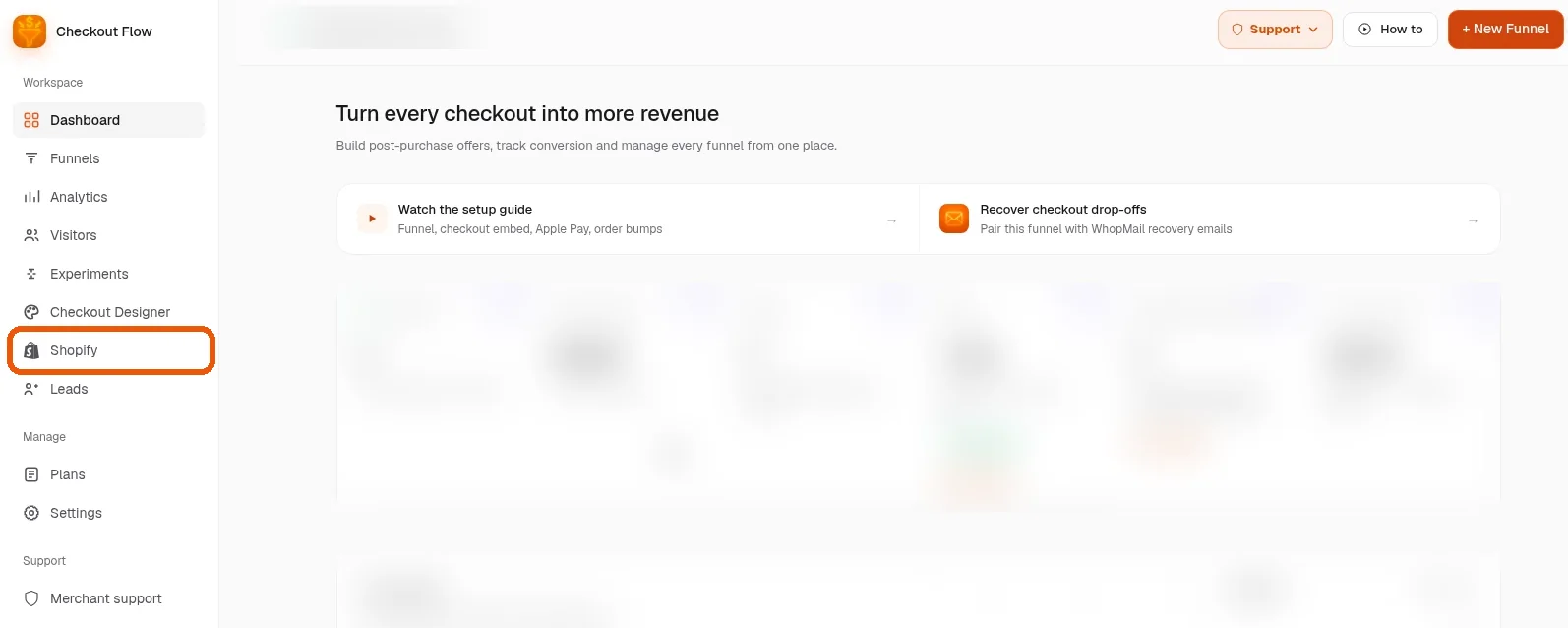
Open the app and click Shopify in the sidebar
Open the app and click Shopify in the sidebar. Check that your Whop payout details are filled in.
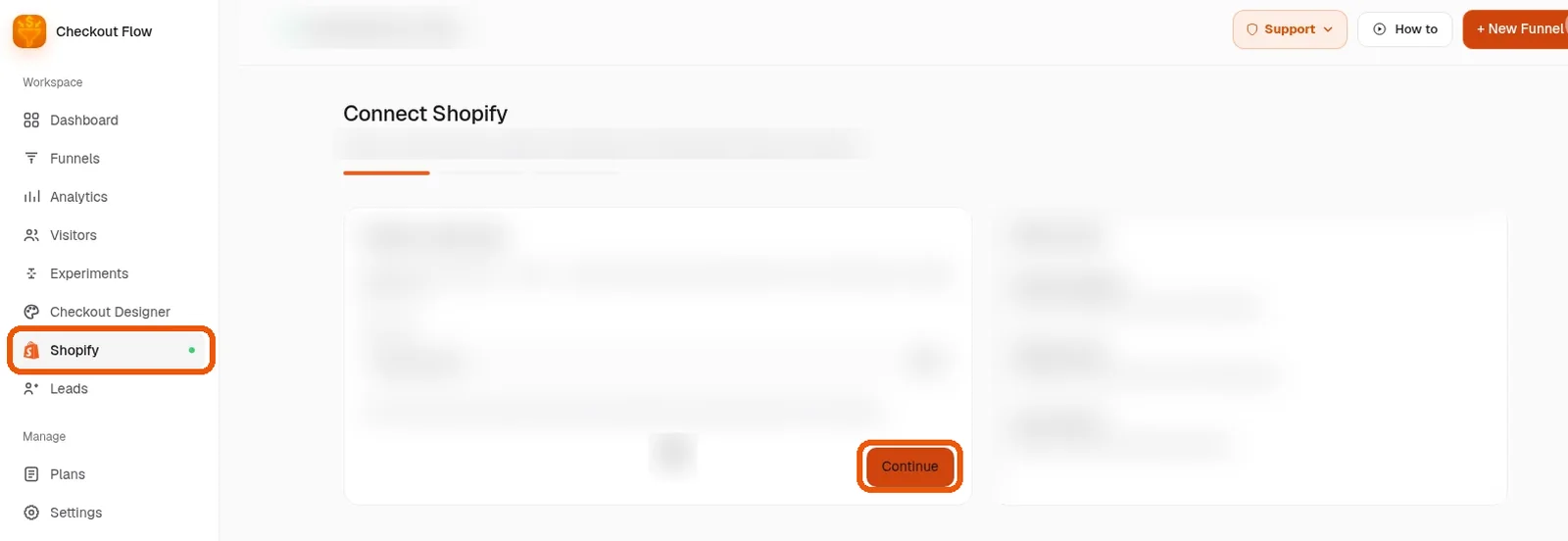
Follow the guided setup
Follow the guided setup to connect your store, one screen at a time. Most stores finish in about 10 minutes.
You are live
Run a small test payment, confirm the order in Shopify and the payment in Whop, then refund it from Shopify to see the full loop.
Want us to set it up with you?
Book a free setup call and we will connect your Shopify store to Whop together.